

Wasel Phone
Cloud phone system
Your company's phone system, in the cloud
One unified number, an extension for every employee, IVR and a full dashboard. Make and take business calls on mobile or PC, from anywhere.
Good evening, Sara
Your company · Ext. 201
Sara
Ext. 201 · Available
Faisal
Ext. 202 · On a call
Mona
Ext. 203 · Available
Yasser
Ext. 204 · Away
“Press 1 for sales, 2 for support”
A voice menu with Arabic and English greetings routes every caller to the right department, then to the right person on their phone or PC.
- Arabic and English greetings
- Route to departments and branches
- Transfer calls between colleagues
Sales
Support
Branches
The employee answers on mobile or PC
See who's available and who's on a call
Live status for every extension, your minutes balance and call recording status — right in the app.
- Status: available, away, offline
- Minutes balance
- Call recording
Good evening, Sara
Your company · Ext. 201
Sara
Ext. 201 · Available
Faisal
Ext. 202 · On a call
Mona
Ext. 203 · Available
Yasser
Ext. 204 · Away
Every company call, with recordings
Company-wide or just your own calls, filtered by missed and incoming, with recordings you can play for training and quality.
- Filter: all, missed, incoming
- Missed-call alerts with “Call back”
- Play recordings
Today
- New customer7:19 pm · 02:26
- Alnokhba Est.6:29 pm · 00:28
- 0533 450 1186:08 pm
- Jeddah branch4:58 pm · 01:02
- 0577 210 9634:57 pm · 00:09
- Fabric supplier4:40 pm · 03:10
One extension on mobile and PC
The Android app rings even when it's closed and reconnects automatically when the network changes. On PC it works with standard SIP softphones, and both ring together.
- Full-screen incoming calls, even when locked
- Mute, speaker, Bluetooth, hold, transfer
- Live call-quality indicator
Everything your company needs from a PBX
Unified number
One 9200 number for the company
IVR menu
Custom voice menus
Extensions
Per employee or department
Call from anywhere
Wi-Fi or 4G/5G
Phone or PC
Same extension on both
Dashboard
Users, status and history
Call recording
For training and quality
Transfer & hold
During the call
Voicemail
Never miss a message
Bluetooth & headsets
Fully supported
The Wasel Phone app
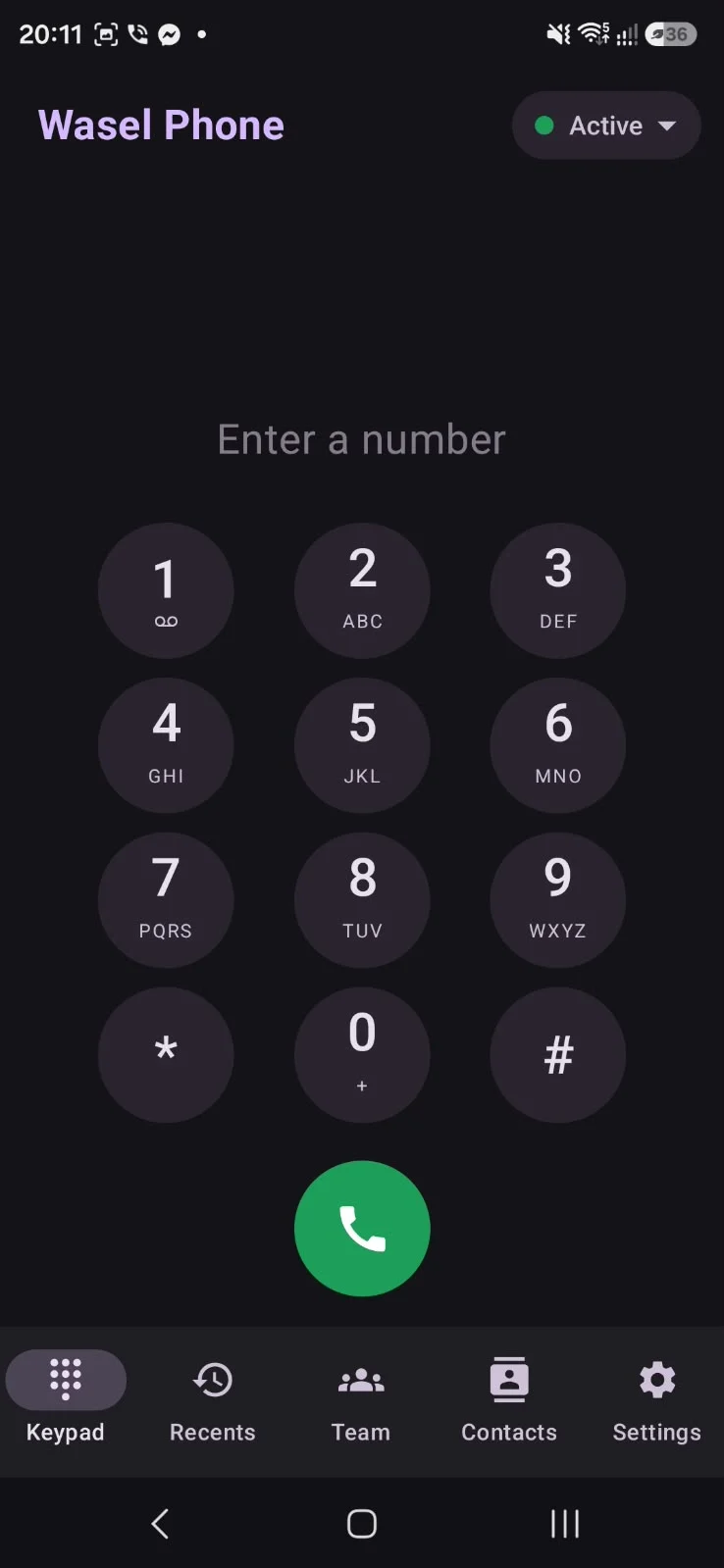
Simple sign-in with extension and password, phone contacts, call history, voicemail and a sound test — in Arabic and English, light and dark.
Good evening, Sara
Your company · Ext. 201
Sara
Ext. 201 · Available
Faisal
Ext. 202 · On a call
Mona
Ext. 203 · Available
Yasser
Ext. 204 · Away
Today
- New customer7:19 pm · 02:26
- Alnokhba Est.6:29 pm · 00:28
- 0533 450 1186:08 pm
- Jeddah branch4:58 pm · 01:02
- 0577 210 9634:57 pm · 00:09
- Fabric supplier4:40 pm · 03:10
Your company's phone system, in the cloud
- 1
We set up your number & IVR
We configure extensions and voice menus with you.
- 2
Your team installs the app
Just an extension number and password.
- 3
Manage it all from the dashboard
Status, history and recordings.
Who it's for
Traditional PBX vs Wasel Phone
| Traditional PBX | Wasel Phone | |
|---|---|---|
| Hardware | PBX box, desk phones, cabling | None — a phone or PC |
| Mobility | Office only | Anywhere with internet |
| Adding a user | Technician visit and wiring | A new extension in minutes |
| Branches | A PBX per branch | One system for every branch |
| Maintenance | Yours | Ours |
Wasel Phone
Starter
Small teams, up to 5 users
Request pricing
- An extension per employee
- Mobile & PC apps
- Internal calls
- Voicemail
- Basic IVR
Business
For growing companies
Request pricing
- Everything in Starter
- Multi-level IVR
- Dashboard & live team status
- Call recording
- Company call history
Enterprise
Call centers & multi-branch
Request pricing
- Everything in Business
- Custom call routing
- Integrations
- Dedicated support
Frequently asked questions
Do I need hardware or phone lines?
No. Just internet and a phone or computer.
Does it work on mobile and PC at the same time?
Yes. The same extension rings on both.
What if the app is closed?
It still rings on Android, and reconnects automatically when the network changes.
Is there an iPhone app?
Coming soon. Meanwhile you can use any SIP app on iPhone.
Can I get a unified number?
Yes, as an add-on. Contact us for details.
Can calls be recorded?
Yes, and recordings can be played from the call history.
What's the call quality like?
HD voice over a stable connection, and the app shows a live quality indicator.

Ready to get started?
Tell us about your company and we'll suggest the right setup within a business day.